

Policies
What a policy is
Section titled “What a policy is”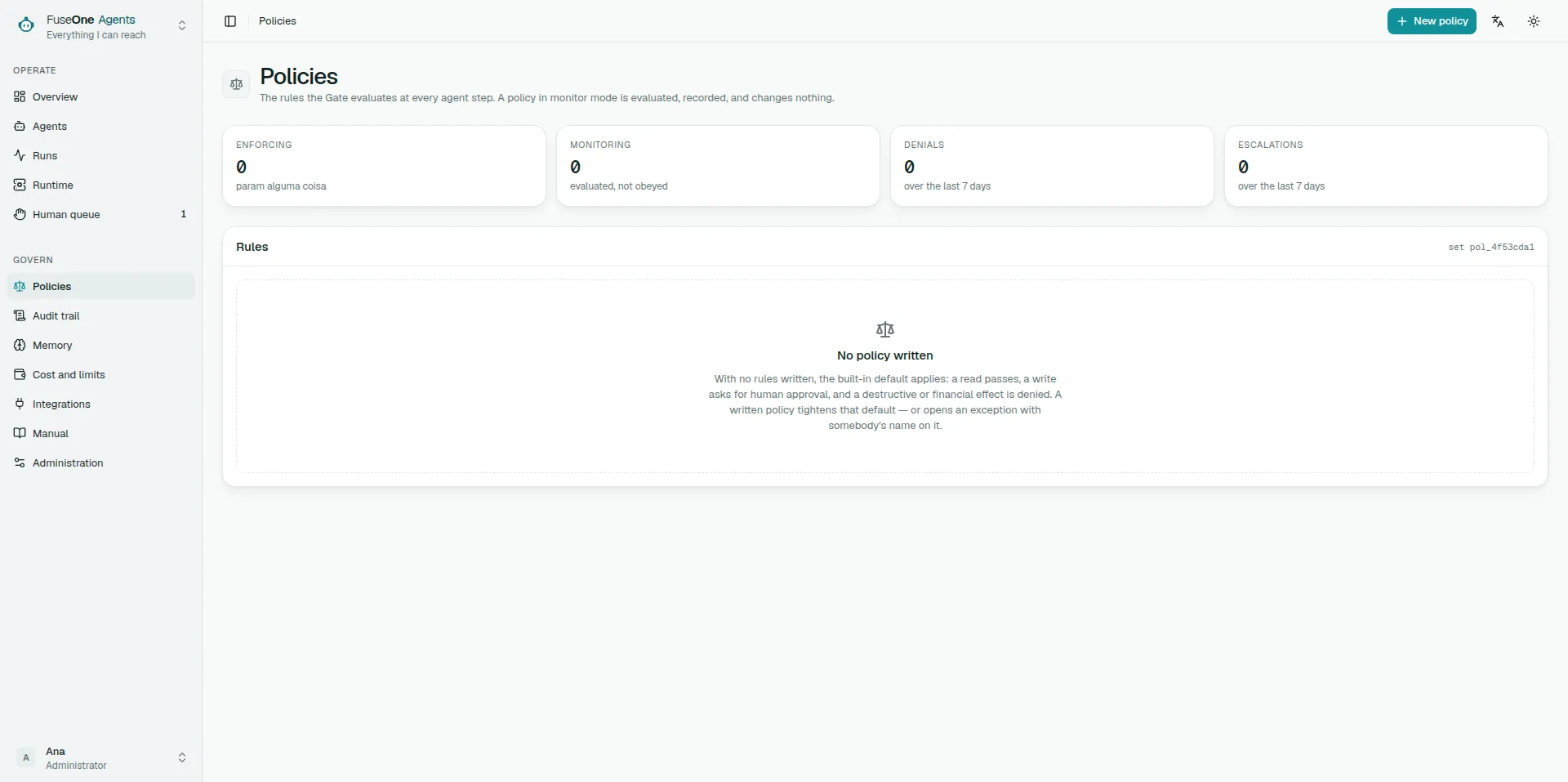
A rule evaluated on every agent step, before any effect happens. It has three parts: what it reaches, when it applies, and what happens when it matches.
It is not an agent instruction. An instruction guides the model and the model may not follow it; a policy is decided by the platform and does not depend on anybody complying.
The three parts
Section titled “The three parts”Scope — what the rule reaches
Section titled “Scope — what the rule reaches”The tool, by name or *, and optionally which effects it covers.
No effect selected covers all of them. That is the widest setting there is, and it is worth reading twice before saving.
Condition — when it applies
Section titled “Condition — when it applies”With no condition, the rule applies to everything the scope reaches. That is how you write “deny every write in crm”.
With conditions, all of them must be true at once. There is no “or”.
Effect — what happens
Section titled “Effect — what happens”| Effect | What it does |
|---|---|
| Allow | Records and continues |
| Escalate | Stops for a person to decide |
| Deny | Refuses and records |
Monitor before enforcing
Section titled “Monitor before enforcing”Any policy can be saved in monitor mode: it is evaluated, it appears in the trail, and it changes no decision.
That is how you find a rule’s real reach without breaking anything. Turn it on in monitor mode, let it run, see where it matched. Only then switch to enforcing.
Run against history does the same without waiting: it evaluates the rule against decisions already recorded and shows what it would have done.
The order between policies does not matter
Section titled “The order between policies does not matter”If several rules match the same step, the Gate returns the most restrictive: deny beats escalate, which beats allow.
So you never have to think about ordering, and adding a policy never loosens anything — with one exception.
Allow is the only thing that loosens the built-in default, which is why it is the one that deserves review. Use it when a tool classified as a write is demonstrably safe in a narrow context, and prefer narrowing the scope to widening the effect.
The code and the reason reach whoever was refused
Section titled “The code and the reason reach whoever was refused”The code — POL-100 — goes to the trail and to the message the refused caller sees.
The reason is the difference between somebody reading “blocked by POL-100” and somebody knowing what to do about it. Write the why, not the rule: “customer replies go out through a reviewed channel” teaches; “denies crm.send” repeats what the screen already shows.
Use cases
Section titled “Use cases”Nothing is deleted without a person
Section titled “Nothing is deleted without a person”Scope *, destructive effect only, action escalate. No condition.
Every destructive call now waits for a human decision, in any tool, including ones connected tomorrow.
One specific tool, never
Section titled “One specific tool, never”Scope crm.delete_account, action deny. A reason saying where that operation happens instead.
Narrower and stronger than the previous one — use it when the answer is always no.
Writes only during business hours
Section titled “Writes only during business hours”Scope * with the write effect, a time condition, action escalate.
Outside those hours a write waits for somebody. Inside them it follows the default.
Finding out what a new rule reaches
Section titled “Finding out what a new rule reaches”Save it in monitor mode, run it against history, and watch the trail for a few days. If it matched where you did not expect, the scope is too wide — narrow it before enforcing.
How a policy is evaluated and what it refuses is in What the platform stops before it happens.